See programme drift before it becomes delay
SYNC’D connects real site hours to your construction programme so project teams can detect productivity loss early — before it impacts milestones, cost, and delivery.
Connect Site Data to Programme Insight
Most construction delays are detected too late. SYNC’D connects real labour hours to planned programme activities so teams can act earlier.
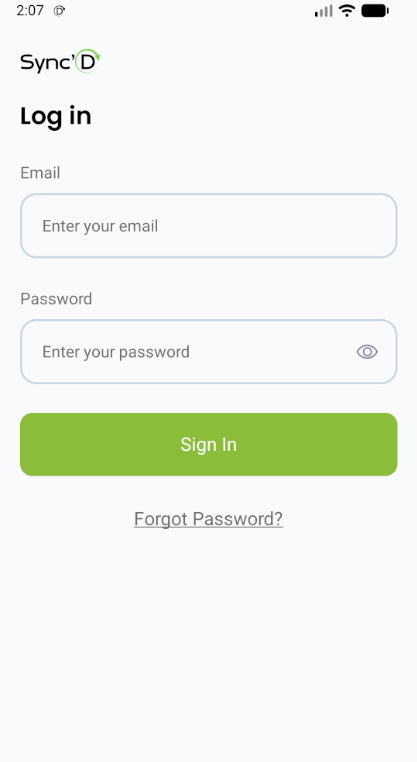
Login Screen
Access with your registered email and secure password
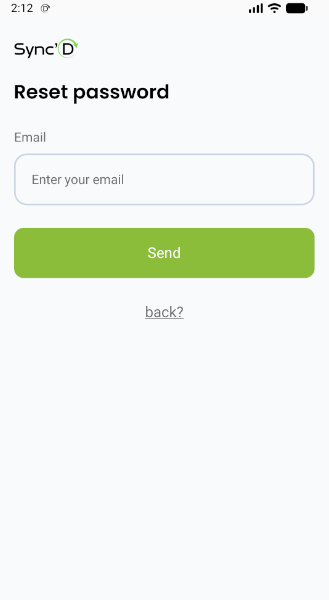
Password Recovery
Receive a secure link to redefine your password instantly
Enterprise Security
End-to-end encryption for all your data and communications
Password Management
Easy reset flow with verified email links
Verified Access
Role-based permissions for supervisors and field workers
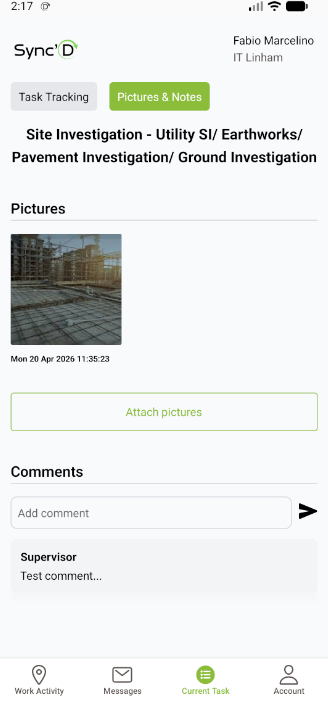
Current Task & Documentation
Attach Pictures
Upload site photos directly to your active task. Visual documentation is automatically timestamped and linked to your project.
Add Comments
Communicate progress updates, issues, or notes that your supervisor can see in real-time.
Task Tracking
Switch between "Pictures & Notes" and "Task Tracking" tabs to manage all aspects of your assignment.
Labour vs Programme Visibility
SYNC'D shows whether actual labour effort aligns with planned programme activities — highlighting productivity drift before delay occurs.
Time Tracking Features
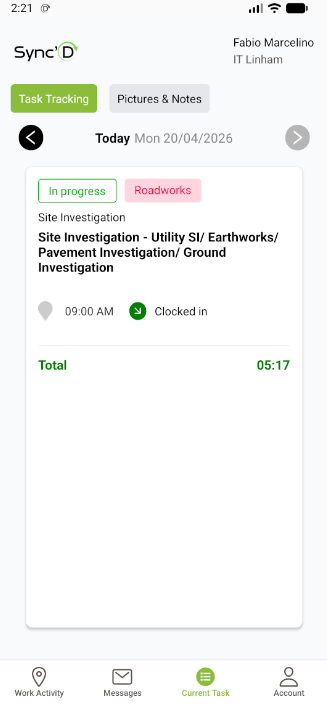
- Clock In/Out: Work hours are recorded automatically
- Daily Total: Automatic calculation of your worked hours
- Calendar Navigation: Browse through different dates to review past entries
- Status Tags: Visual indicators for task progress (In Progress, Completed, etc.)
Pro Tip
Always ensure your GPS is enabled for accurate clock-in locations. The system validates your position against the project geofence for secure attendance tracking.
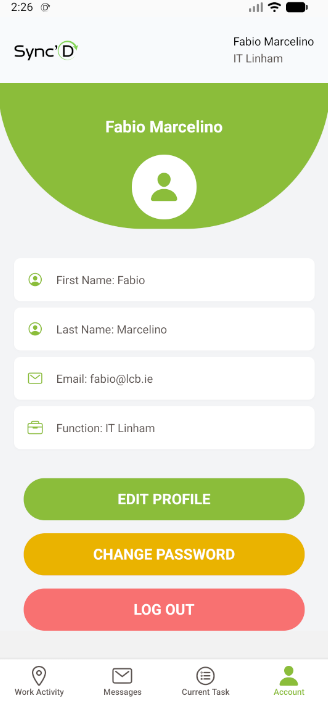
Your Account Hub
Manage your personal information, update your profile, and control your security settings — all in one place.
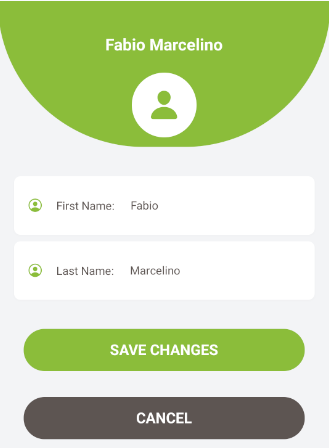
Edit Profile
Update your first name and last name
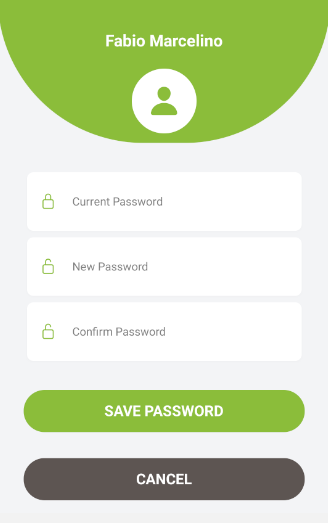
Change Password
Securely update your password with current verification
Log Out
Securely exit your session
Stay Connected with Your Team
Built-in messaging system to communicate directly with your project supervisor. Send, receive, reply, and manage your conversations seamlessly.
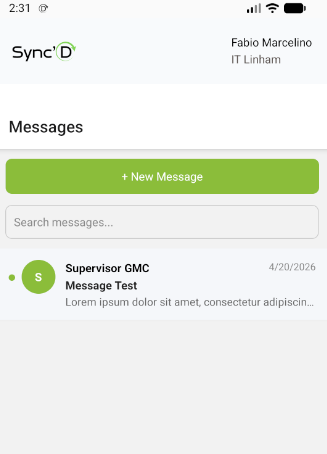
Inbox
View all your conversations with unread indicators
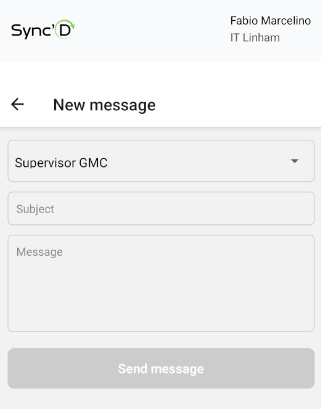
Compose
Select recipient, add subject, and write your message
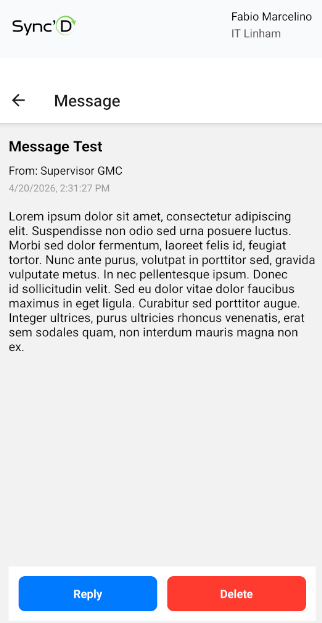
Read & Reply
Open messages to reply or delete conversations
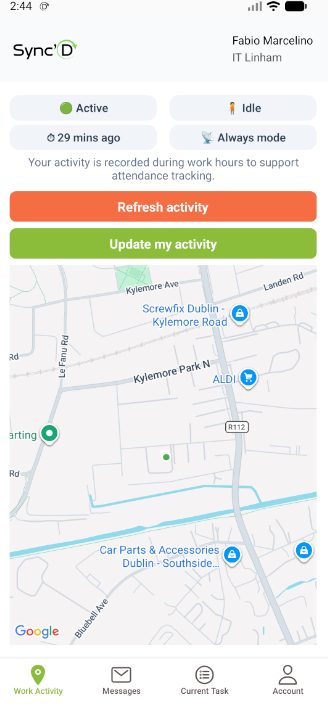
Work Activity & Geofence Tracking
Track your daily work activity in real time. The system monitors your status, movement, and location within designated geofenced areas to ensure accurate attendance and reporting.
Early visibility of programme risk
Instead of discovering delay after programme updates, SYNC’D highlights productivity drift as it develops — when corrective action is still possible.